Checking a seller
Instagram seller changed their username: should you worry?
An Instagram seller who changed their username can leave old complaints behind. When a rename is normal, when it's a red flag and how to find a seller's old names.
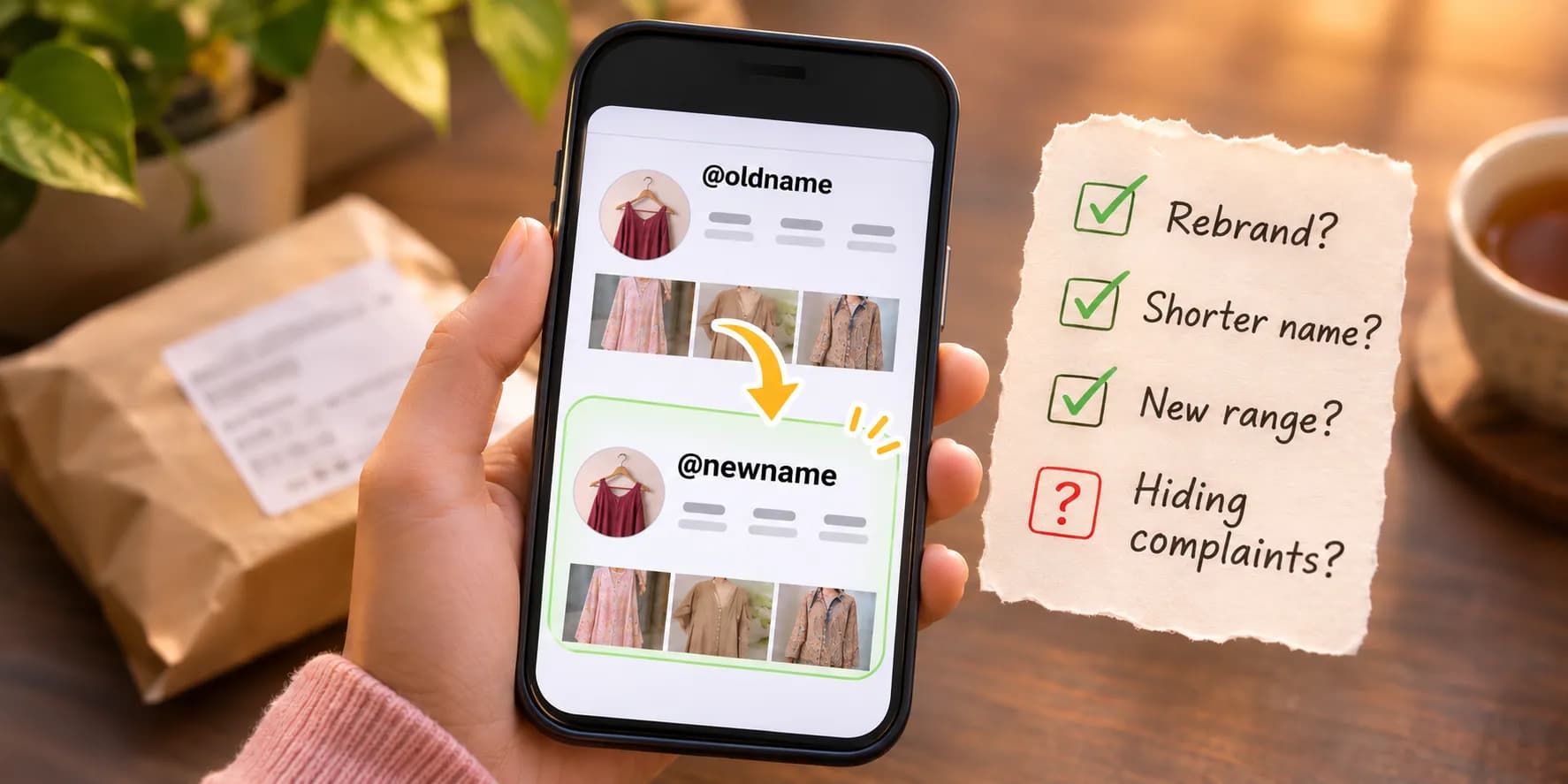
What it looks like
An Instagram username is the handle after the @. Changing it keeps the same account, followers and posts. Only the name people search for changes. Old links and tags to the previous name stop leading to the shop.
On VouchKart seller pages, a rename shows as "Formerly @oldname" under the seller's name. Earlier handles and the months each was in use are listed in the Background tab. Three or more renames show as a finding of its own.
How common it is
Renaming is rare among the sellers we've checked. Of the 41,055 sellers in India that VouchKart had checked by 3 Nov 2026, 328 changed their handle after we first found them. That's about 1 in 130.
We started checking sellers in early 2026. This only counts renames in the months since. A seller who renamed before we found them won't show up here. That's also why a rename is worth noticing: most shops keep their name.
Why honest sellers change their name
- A rebrand. A home business that started as a personal account often moves to a proper shop name once it grows.
- A clearer or shorter handle. Dropping extra underscores, numbers or "official" makes a shop easier to find and tag.
- A new range. A shop that started with sarees and now sells jewellery too may want a name that fits.
- A name clash. Another business with the same name or a trademark complaint can force a change.
None of these hide anything. An honest shop usually tells its followers, keeps its website and number the same and doesn't mind you asking about the old name.
Why it can be a warning sign
- Old complaints stop showing up. Searching "@newname scam" won't find posts and comments about "@oldname". A rename right after a wave of complaints is the pattern to watch for.
- A reused account. Old accounts with lots of followers look trustworthy. That's why fake shops sometimes take over or buy one and rename it. The followers and older posts then don't fit the shop at all, like a fashion store whose oldest posts belong to a meme page or a giveaway account.
- Someone else may now use the old name. Once a seller drops a handle, another account can eventually take it. Searching an old name on Instagram may lead you to a different account, not the shop you're checking.
Less worrying, worth a closer look or a red flag
Less worrying
One rename, a while ago, that fits the shop: a personal name to a shop name or a shorter handle. Their website and phone number stayed the same. The old name has no complaints.
Worth a closer look
A recent rename you can't explain or older posts that don't match what they sell now. Search the old name before you pay. Ask the seller why they changed it.
Red flag
Several renames in a short time, complaints under an old name or a new name copying a well-known brand. Even more so if they only take advance payment by UPI or QR code.
How to check a seller's old names
- Tap "About this account". On their profile, tap the three dots, then About this account. It shows when the account joined Instagram and how many times its username has changed. It may not show what the old names were.
- Look the seller up on VouchKart. Seller pages list the earlier handles we've seen, with when each was in use. You can also search an old handle on VouchKart and it opens the shop under its current name.
- Search every name outside Instagram. Search each old and current handle with words like "scam", "fraud" or "review" on Google and on consumer complaint sites.
- Scroll to their oldest posts. A shop that grew out of the owner's own account is normal. Personal photos at the bottom are fine. Posts from a meme page, a giveaway account or a different business suggest the account was reused.
- Check posts by buyers. Their Tagged tab shows posts by people who tagged the shop. Tags update to the new name. Captions don't: a buyer who typed the old @name still shows it, along with what they said.
- Check their website and number. A website that links to their Instagram is a good sign. So is the same phone number in their bio and on their site. If the site still links to the old handle, it usually means an honest rename the shop hasn't caught up with.
- Ask them. A real shop can explain a rename in a line. A seller who gets defensive or stops replying has told you something too.
If something goes wrong
Screenshot the profile showing the current handle as soon as you can, because the name can change again. If you've paid and the seller blocks you, call 1930 straight away and see what to do after a UPI scam. If the seller still replies but won't fix a problem, complain to the National Consumer Helpline on 1915 or on WhatsApp at 8800001915.
Then find the seller on VouchKart and leave a review. VouchKart keeps a seller's reviews when they rename. What happened to you stays attached to the shop under any name.
These figures come from VouchKart's snapshot of 41,055 checked sellers in India as of 3 Nov 2026. They only count renames after we first found each seller. This guide is general information, not legal advice. How we check sellers.